AI Content Repurposing: Turn One Video Into Dozens of Posts
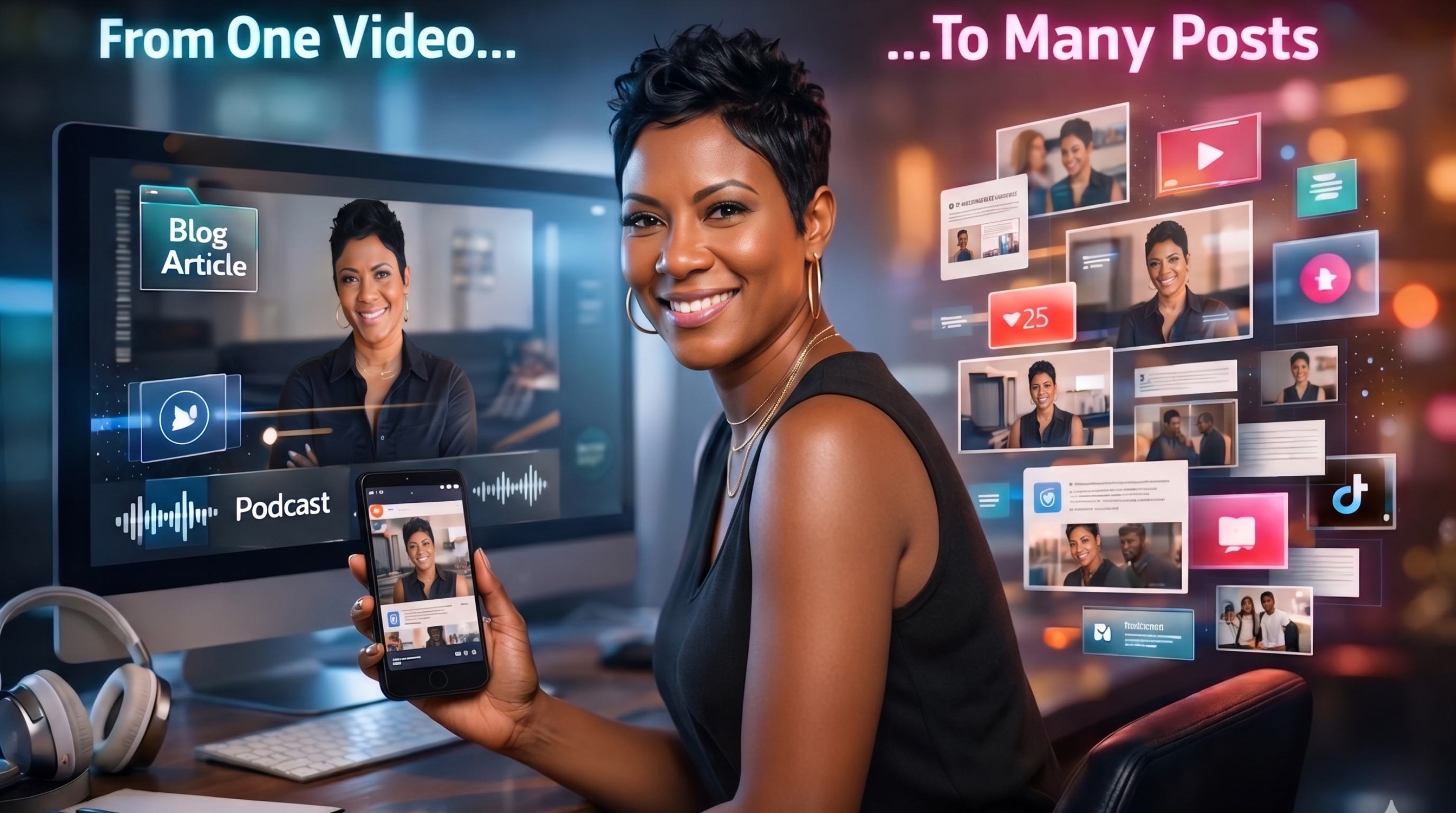
You recorded a webinar last Tuesday. It was good, your best thinking, live on screen, delivered with clarity and conviction. Then you uploaded it to Google Drive, sent the replay link to attendees, and moved on. That recording has been sitting in a folder ever since, doing absolutely nothing.
AI content repurposing is the system that changes that. And for most coaches and consultants, it's not a creativity problem or a consistency problem that's keeping them invisible online, it's a systems problem. The content already exists. What's missing is the workflow that takes one recording and turns it into a blog post, three social captions, an email newsletter, and a short clip for Instagram, without touching a microphone again. According to a Content Marketing Institute survey, B2B marketers spend 23% of their time creating content and still struggle to produce enough of it, largely because most workflows start from zero every single time.
That's the core idea behind AI-assisted content atomization: one long-form asset becomes a full week of platform-ready content. Some creators and content teams have already built their entire visibility strategy around this approach, running a single weekly recording as their content engine and letting automated content repurposing workflows handle the distribution work. This guide breaks down the tools, the workflow, the platform specs, and what a real system looks like when it's running well.
Why starting from scratch every week keeps coaches invisible
Many coaches don't have a content problem, they have a repurposing problem. The pattern looks like this: you run a livestream or webinar, then sit down the next day to write a LinkedIn post from memory. You're essentially creating the same content twice, the second time from scratch, with worse recall and less energy. That doubles the workload for no reason.
Content atomization changes the equation. Instead of producing new content for every platform, you produce one strong long-form asset and break it into platform-specific pieces: a 60-minute recording becomes a blog post, an email, three short video clips, and a carousel. None of those pieces starts from a blank page. That distinction matters more than any individual tool.
AI content repurposing tools that make the process fast and repeatable
Tools that turn recordings into usable text
Everything starts with transcription. Without a clean, editable transcript, every downstream step slows down. Two tools lead this layer: Castmagic and Descript. Castmagic is built specifically for podcasts and coaching calls; it pulls out quotes, show notes, and social-ready snippets directly from your recording. Descript goes further, letting you edit video by editing the transcript text, which makes cutting filler and extracting highlight clips much faster than traditional video editing.
Starting with clean transcription is what makes every subsequent AI content repurposing step faster and more accurate. Both tools typically return an editable transcript within minutes for shorter recordings, though processing time varies depending on file length and your plan. Audio quality matters here: a clear recording with minimal background noise will transcribe more accurately and reduce your editing time significantly. That transcript becomes the raw material you feed directly into an AI writing tool.
Tools that create short video clips from long recordings
Opus Clip uses AI to scan a long recording and identify the highest-engagement moments, assigning each clip a virality score so you can prioritize which segments to publish first. It handles captioning automatically and supports multi-language subtitles, which makes it practical for coaches serving diverse audiences. A free tier lets you test the full workflow before committing.
Repurpose.io works differently: it automates cross-platform distribution with resizing built in, so a horizontal webinar recording gets reformatted for vertical Reels and Shorts without manual cropping. It starts at approximately $32 per month and is best suited to coaches who want distribution to run in the background after content is approved. Together, these two tools cover the video-to-short AI workflow from clip selection through publishing, a complete automated content repurposing pipeline for video.
Tools that write the posts, emails, and blog content
ChatGPT and Jasper both work well for converting transcripts into long-form blog posts, email newsletters, and LinkedIn captions. The key is using them downstream, after transcription, not as standalone content generators. Feeding a clean transcript into an AI writing tool with a specific prompt produces far better output than asking it to write about a topic from nothing. For example, a prompt like "Extract five key insights, three quotable lines, and two email hooks from this transcript" returns copy you can actually publish. Specificity in your prompts is the difference between generic filler and polished, platform-ready content.
AI content repurposing workflow: Step-by-step
Step 1: Record and transcribe your long-form asset
The workflow always starts at the same place: the raw recording. Whether it's a livestream, a webinar, or a client-facing training session, upload it to Descript or Castmagic immediately after it ends. Don't skip this step or try to work from memory. The transcript is the raw material for everything that follows.
Step 2: Extract the key moments and content pieces
Open your AI writing tool and paste in the transcript with a clear extraction prompt. Something like this works well: "From this transcript, pull five key insights, three quotable lines, one blog post outline, and two email hooks." That single prompt returns the building blocks for every piece of content you'll publish that week, and it typically runs in under 30 minutes. The specificity of the prompt is what separates platform-ready copy from generic summaries.
Step 3: Format and distribute to each platform
Take your extracted pieces and format them to platform specs: short clips get resized for vertical display, LinkedIn captions get trimmed and hooked, the email gets one clear CTA, and the blog outline becomes a full post with headers and internal links. Tools like Repurpose.io can automate the resizing and scheduling layer, reducing this step to review and approve, and you can learn more about building smart repurposing workflows with AI. Once the repurposing workflow templates are in place, the total weekly time investment stays under two hours.
Platform formats that matter when repurposing video content
Short-form video specs for YouTube Shorts, Reels, and TikTok
All three platforms use a 9:16 vertical aspect ratio at 1080 x 1920 pixels, and all three prefer MP4 with H.264 encoding. Where they differ is in ideal length: YouTube Shorts perform best at 50 to 58 seconds, Instagram Reels at 7 to 45 seconds depending on the content type, and TikTok at 24 to 38 seconds for maximum reach. These ranges reflect how each algorithm surfaces content to new viewers and are consistent with platform performance data reported across major social media research publications. For a handy reference on exact upload requirements and recommended formats, check this guide to social media video specs.
One practical note on repurposing horizontal webinar footage: a 9:16 crop from a 16:9 recording will cut off your speaker if you don't account for safe-zone framing. Opus Clip handles this automatically with its AI framing tool. If you're exporting manually, keep the speaker centered in the middle third of the original frame before recording so the crop works cleanly. For best practices on creating vertical clips and Shorts specifically, see this overview of YouTube Shorts best practices.
LinkedIn, email, and blog formats for text repurposing
Text-based repurposing follows its own format logic. LinkedIn posts tend to perform better when they're concise, with the hook landing in the first line before the "see more" cutoff, email marketing best practices similarly recommend one clear CTA rather than several competing asks. Blog posts need SEO structure: descriptive headers, keyword integration, and internal links. Each of these is a different shape cut from the same transcript, and an AI writing tool can produce all three from a single extraction prompt, a textbook example of social media content repurposing at scale.
How The Video Authority System™ integrates repurposing into every week
The Video Authority System™ is a coaching program built specifically for established women coaches and consultants who want consistent online visibility without becoming full-time content creators. The entire program is structured around a single weekly livestream, with AI-assisted repurposing built into the workflow at every step, not treated as an optional add-on for the tech-comfortable.
In practice, the system works like this: the weekly livestream is recorded, transcribed, and broken into platform-specific content pieces using the program's structured repurposing workflow. Coaches leave each week with their LinkedIn content, email newsletter, short clips, and blog outline already extracted from one recording. No starting from scratch. No sitting at a blank screen trying to remember what felt important on the call.
The BOSS Framework™, which sits at the core of the program, provides structure for the repurposing workflow and connects each piece of content back to a clear positioning and client conversion strategy. It's the methodology that turns a repeatable content system into a visibility engine, so coaches can focus on serving clients rather than feeding platforms. Visibility without volume, built around one weekly recording.
What results actually look like from a consistent repurposing workflow
Industry research on AI-powered content distribution shows meaningful efficiency gains: in one analysis, companies using AI for content repurposing reported a 65% reduction in production time and a 40 to 60% reduction in content production costs. B2B marketers who adopt this approach consistently turn one webinar into 20 or more strategic touchpoints across platforms. In one documented case study, a blog-to-video conversion that would have taken a full week of collaboration was completed in approximately two hours using AI tools, at a fraction of the cost. These figures reflect what tends to happen when a system is in place, though individual results will vary based on workflow maturity and recording quality.
Engagement rate improvements of up to 3.7x have been reported in AI-assisted campaigns, but that's a lagging indicator. The leading indicator is simpler and more honest: are you publishing consistently without burning out? A working atomization system shows up as calm first, then growth. When you're no longer recreating content from memory every week, you have the mental space to actually improve what you're saying, not just scramble to say something.
The recording in the folder doesn't have to stay there
AI content repurposing doesn't require new platforms, a bigger team, or a completely new strategy. It requires a system that captures what you already create and moves it forward automatically. The workflow is straightforward: record one strong long-form asset, transcribe it, extract the pieces with a focused AI prompt, format each piece for its platform, and distribute. That's the whole system.
The tools are accessible. Opus Clip has a free tier. Descript and Castmagic both offer entry-level plans you can test before committing. ChatGPT handles the writing extraction. Once the workflow is established, the entire process of content repurposing with AI runs well under two hours a week. The technology is not the obstacle.
If building this workflow from scratch sounds like more work than the content itself, that's the exact problem The Video Authority System™ was designed to solve. The program gives you the system, the workflow, and the weekly structure, so you're not figuring out AI content repurposing alone. If you're ready to stop starting from zero every week, that's the natural next step.

Personal Branding for Coaches: Beyond Logos and Colors

 Apple Podcasts
 Spotify
 YouTube
 iHeartRadio
 Podchaser
 Overcast
 PocketCasts